Programming · Beginner
Learn to program, starting from nothing
No maths background, no prior experience. Short daily lessons, small projects every week, and a final automation you will use at work.
- 32 lessons, 10–20 minutes each
- 8 weekly mini-projects
- Works on Windows and Mac
- Lifetime access
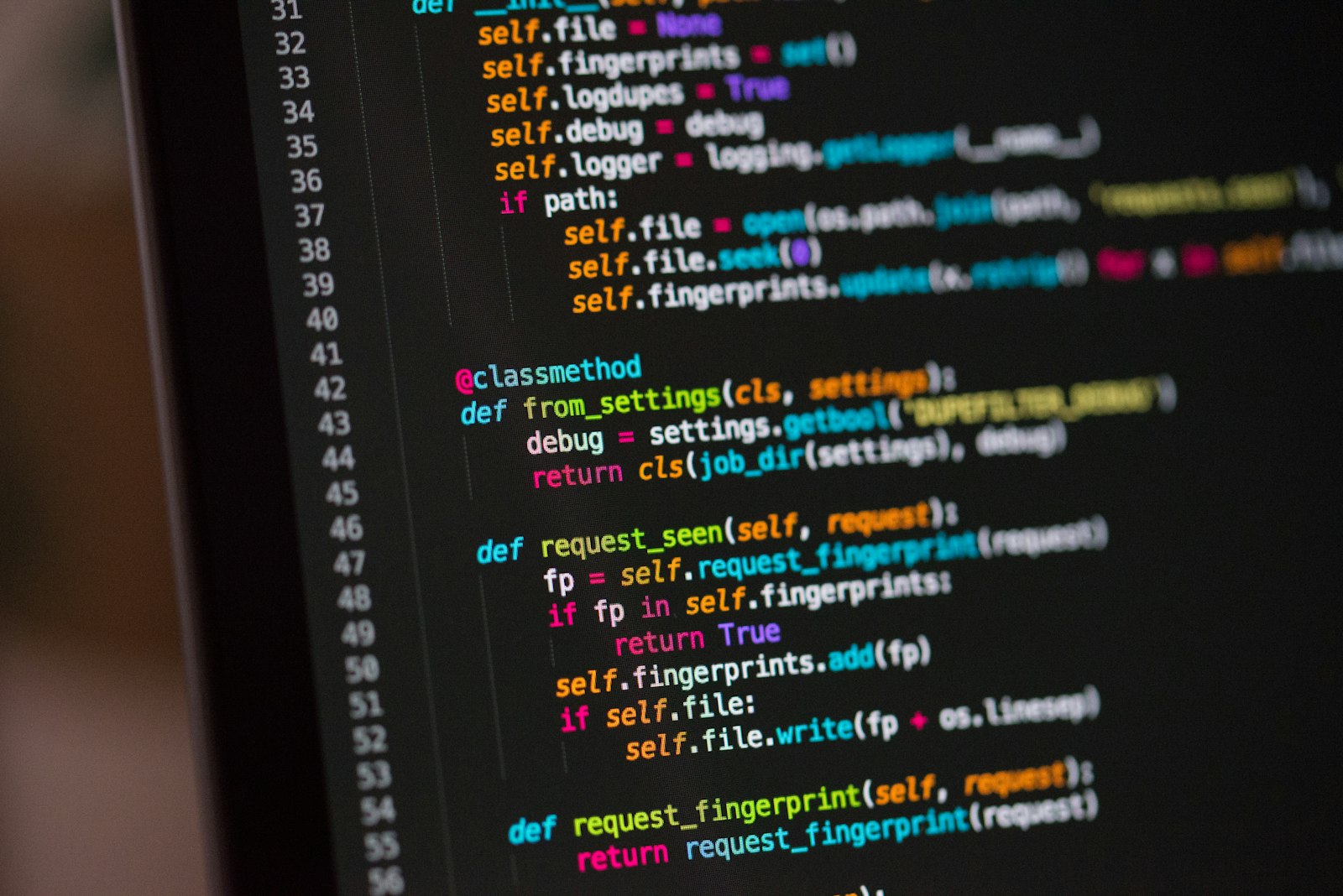
Programming is a skill, not a talent
Plenty of people try to learn to code, hit a wall around week two and decide it is not for them. Almost always the wall is pacing: too many concepts at once, projects that are too big, and nobody saying 'this part confuses everyone'.
This course is paced for people with jobs. Each lesson is short, each week ends with a project you can finish in an hour, and the hard concepts are introduced twice — once simply, once properly.
By week eight you will write a program that reads files, cleans data and produces a report, and you will understand every line of it.
What you will be able to do
- Read and write Python with confidence
Variables, loops, functions and the vocabulary to look things up.
- Automate a repetitive task
Rename files, merge spreadsheets, send a summary email.
- Work with data files
CSV, Excel and JSON in and out.
- Pull data from the web
A simple API request and what to do with the answer.
- Fix your own errors
Read a traceback and know where to look.
- Keep going on your own
How to learn the next thing without a course.
- 32
- lessons
- 8
- mini-projects
- 16 h
- of content
- 0
- experience required
Small projects, every single week
Week one ends with a program that greets you by name and tells you how many days until your birthday. Week eight ends with one that opens a folder of invoices, extracts totals and writes a summary spreadsheet.
In between, each project adds one idea. You will never be asked to use something you have not seen explained.
- Week 2: a quiz game
- Week 4: a file organiser
- Week 6: a spreadsheet merger
- Week 8: an invoice report

The programme
1Week 1 — First steps4 lessons · 2 h
- Installing Python and an editor (Windows and Mac)
- Your first program
- Variables and text
- Project: birthday countdown
2Week 2 — Decisions and repetition4 lessons · 2 h
- If, else and comparisons
- Loops that count and loops that repeat
- Lists
- Project: quiz game
3Week 3 — Functions4 lessons · 2 h
- Why functions exist
- Parameters and return values
- Organising a program
- Project: unit converter
4Week 4 — Files and folders4 lessons · 2 h
- Reading and writing text files
- Paths on Windows and Mac
- Walking a folder
- Project: file organiser
5Week 5 — Dictionaries and real data4 lessons · 2 h
- Dictionaries explained twice
- CSV files
- Cleaning messy values
- Project: expense summary
6Week 6 — Spreadsheets and dates4 lessons · 2 h
- Reading Excel files
- Dates and times without tears
- Writing a report sheet
- Project: spreadsheet merger
7Week 7 — The web4 lessons · 2 h
- What an API is
- Your first request
- JSON in and out
- Project: weather for your city
8Week 8 — Putting it together4 lessons · 2 h
- Reading errors like a developer
- Structuring a bigger script
- Project: invoice report
- What to learn next, and how
Your first steps
You start with “Week 1 — First steps”. It covers: Installing Python and an editor (Windows and Mac); Your first program; Variables and text. Nothing in it assumes knowledge from later parts of the course, so you can begin the day you enrol.
By the end of that first part you will already have done something concrete rather than only watched — and you will know whether the pace suits you. If it does not, the 14-day guarantee means you lose nothing.
Is this course for you?
This course is for you if…
- You have never programmed and want a patient, structured start
- You do repetitive computer work and suspect it could be automated
- You tried a free tutorial and got lost around loops or functions
- You want a realistic project for a career change portfolio
Probably not a fit if…
- You already know another programming language — this will be too slow
- You want data science or machine learning (come back after this one)
- You need a specific framework like Django or Flask
Why learn this in a structured course
People do not fail to learn programming because it is hard; they fail because the pacing is wrong. A course designed for people with jobs — short lessons, small weekly projects, hard concepts explained twice — fixes the pacing.
Each project is small enough to finish and real enough to matter, which is what keeps you going through week two, where most self-taught attempts end.
What learners say
“I had quit two other courses. The weekly projects are what kept me going — they are small enough to finish.”
“The 'explained twice' idea is brilliant. Dictionaries made sense the second time.”
“I automated our monthly reporting in week six. My manager thinks I am a wizard.”
Frequently asked questions
Do I need a powerful computer?
No. Any laptop from the last ten years running Windows or macOS is fine. Everything used is free.
How much time per week?
About 2 hours of lessons plus 1 hour for the project. Many students do one lesson a day.
I failed maths at school. Is that a problem?
No. The course uses arithmetic only, and even that is rare. Programming is about logic and patience, not maths.
How do I get access after paying?
An email with your login arrives within minutes. Access is for life and includes all updates.
What if I get stuck?
Every lesson has a 'common mistakes' section, and the course community answers questions within a day.
Our promise
- 14-day money-back guarantee
If the course is not what you expected, email us within 14 days of purchase for a full refund.
- Lifetime access
Your access never expires, and every update to the course is included.
- Learn on any device
Lessons and materials work on a phone, tablet or computer, online or downloaded.
- Support when you need it
Questions under each lesson are answered within one working day.
- Secure payment
Card payments are processed on our payment provider's page; your card details never reach our servers.
- No subscription
One payment, clearly shown before you pay. Nothing recurring, nothing hidden.
Write your first program this week
Thirty-two short lessons, eight small projects, and a skill that stays with you.